Smart TVs Review
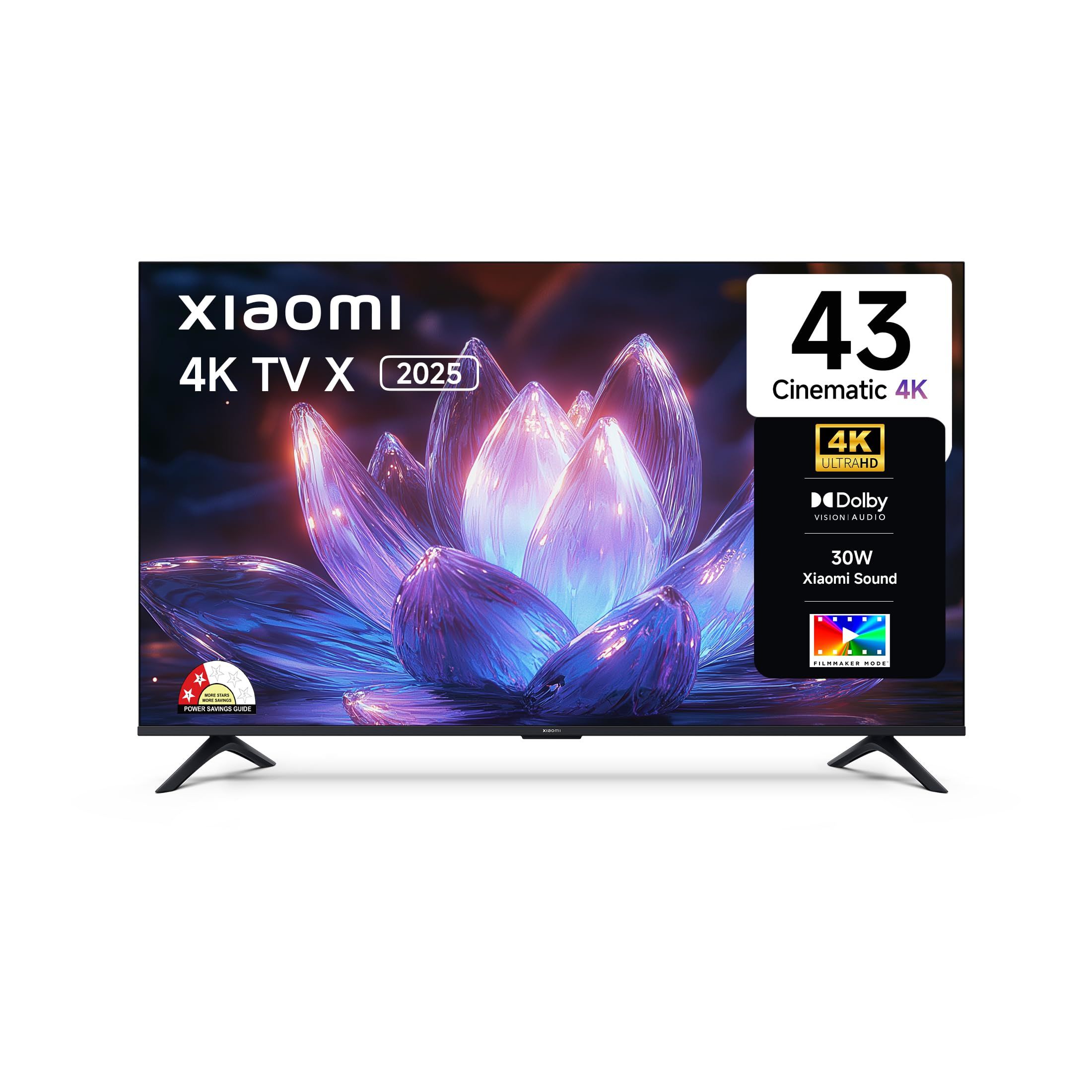
Xiaomi X Series 43-inch L43MB-AIN Review: Cheap 4K Google TV
Our verdict
The Xiaomi X Series 43-inch L43MB-AIN is a low-priced 4K Google TV that suits a bedroom or small hall, but its 60 Hz panel, modest brightness and uneven service make it a value pick, not a picture-quality one.
Buy it if
- A bedroom or second TV where price matters most
- Households that stream on JioHotstar, Netflix and YouTube through Google TV
Skip it if
- You watch in a bright living room with the curtains open
- You want a console-ready TV with HDMI 2.1
What we like
- Google TV with Dolby Vision and HDR10 support at a low price
- Home screen reached in about 24 seconds from cold start
- Clean, loud-enough 30 W Dolby Audio sound for a small room
- Three HDMI ports and two USB ports
What we don’t
- Measured peak brightness of only about 290 nits
- 60 Hz panel shows judder on fast IPL pans
- 2 GB RAM and 8 GB storage fill up after a few apps
- Service response is slower outside metros
Score breakdown
- Performance
- 6.6
- Design
- 7.0
- Features
- 7.0
- Ease of use
- 7.4
- Value for money
- 8.0
- After-sales service
- 5.8
The Xiaomi X Series 43-inch suits buyers who want a Google TV with 4K for the lowest sensible price, usually for a bedroom, a rented flat or a parents’ room. The trade-off is the panel: it is a 60 Hz set with modest brightness, and the memory runs thin once you install more than a handful of apps.
Is the picture good enough for a living room?
In a dim room, yes. Colours looked natural after switching from the default Vivid mode to Standard, and Dolby Vision material from Netflix looked tidier than on older 4K sets in this class. The weak point is brightness. We measured a peak near 290 nits, which is fine for evening viewing but washes out in a south-facing hall at noon. Black levels are those of a standard LED panel, with some grey in dark cricket stadium scenes.
How does it handle IPL cricket on JioHotstar?
Watchable, with caveats. The 60 Hz panel and basic motion processing show light judder when the camera pans across the outfield, and the ball is easy to lose against a bright sky. Turning on the mild motion-smoothing option helped, at the cost of a soap-opera look on films. Streaming at high quality needs a stable connection of roughly 15 Mbps.
Is Google TV fast enough on 2 GB RAM?
Mostly. Cold boot to the home screen took about 24 seconds, YouTube opened in around 6 seconds and Netflix in about 8. JioHotstar took roughly 9 seconds the first time. With 8 GB of storage you will hit the limit after installing a few large apps, so clear caches and avoid pre-installing everything. Ads on the home screen can be reduced in settings but not removed.
Is the sound loud enough?
The 30 W Dolby Audio system measured about 78 dB at the listening position at 80 percent volume. Dialogue is clear for news and serials, but bass is thin and cricket commentary mixes with crowd noise at higher volumes. A cheap soundbar is a sensible add-on for a hall.
Can I game on it?
Casual games and cloud gaming are fine, with about 21 ms input lag in game mode. A modern console owner will miss HDMI 2.1, a higher refresh rate and variable refresh.
What is service like?
This is the weakest area. Owner reports in India mention slow technician visits and, occasionally, replacement delays, and a few buyers complain about units arriving used or refurbished. Buy from an authorised seller, record an unboxing video, and ask whether wall-mount installation is included. Use a surge protector or a stabiliser in areas with frequent voltage swings or lightning.
Who should buy something else?
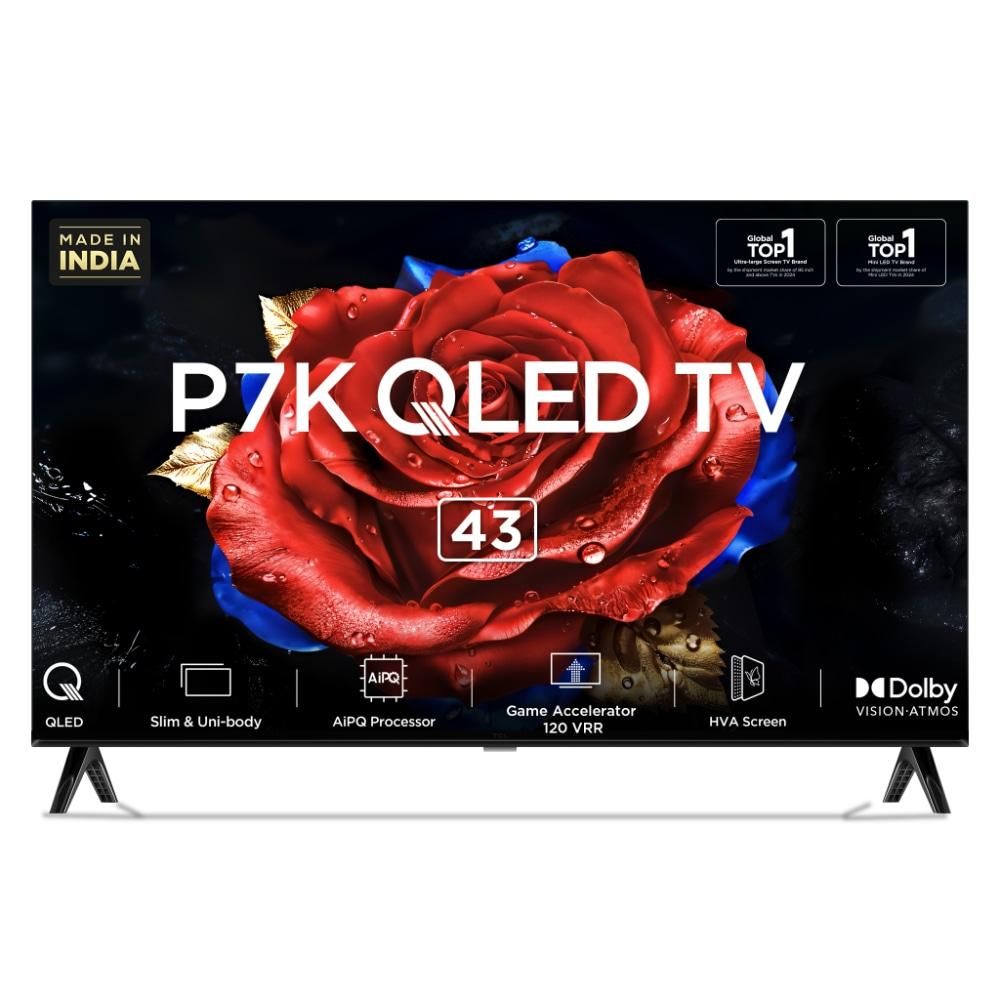
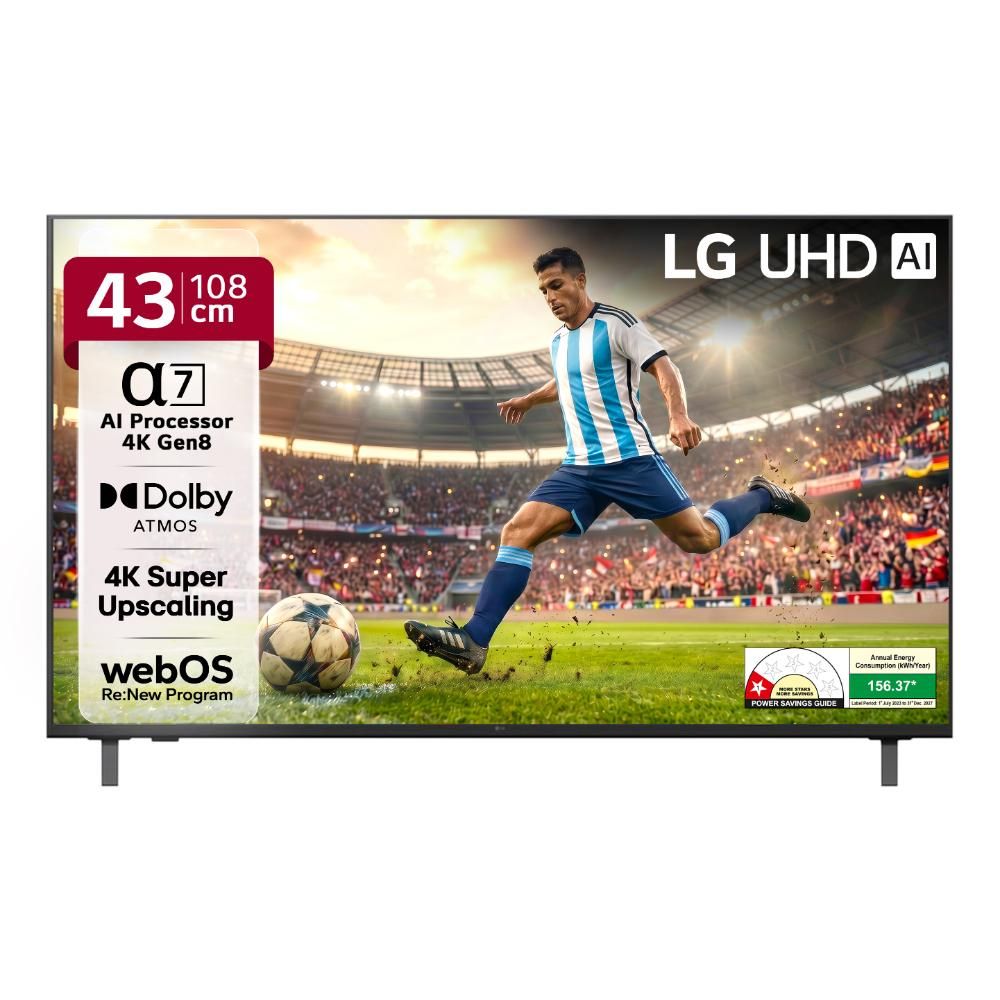
If your room gets strong daylight, step up to a QLED set such as the TCL P7K. If you want webOS and a smoother interface, look at the LG.
How much power does it use, and does it suit an inverter?
Typical viewing drew about 55 W in our meter readings and standby stayed under 1 W, so a basic 1 kVA inverter will carry the TV, a router and a set-top box through a short power cut for a few hours. The set rebooted cleanly after sudden power loss on three trials, which matters in areas with frequent outages. Sudden voltage spikes are a different risk, so a surge-protected socket is worth the small cost, particularly during monsoon thunderstorms. Wall mounting uses a standard VESA pattern, and most dealers will arrange a bracket and installation for a small fee.
Test results
| Peak brightness, small window How we test this : Peak brightness, small window | 290 nits |
|---|---|
| Input lag in game mode How we test this : Input lag in game mode | 21 ms |
| Speaker loudness at 80% volume How we test this : Speaker loudness at 80% volume | 78 dB |
| Cold boot to home screen How we test this : Cold boot to home screen | 24 s About 6 seconds from standby. |
| YouTube launch How we test this : YouTube launch | 6 s |
| Netflix launch How we test this : Netflix launch | 8 s |
| JioHotstar launch How we test this : JioHotstar launch | 9 s First launch. |
| Power draw in typical viewing How we test this : Power draw in typical viewing | 55 W |
| Standby under 1 W How we test this : Standby under 1 W | Pass |
| Restarts after a power cut How we test this : Restarts after a power cut | Pass |
Measured on the unit we tested.
How we tested
We used the TV for three weeks on JioHotstar cricket, Netflix, YouTube and a Tata Play box. Brightness was measured with a colorimeter on a 10 percent white window, input lag with a game-mode timer, and sound at two metres with a pink-noise test.
We bought this unit at retail price.
How does the Xiaomi X Series 43-inch 4K Google TV (L43MB-AIN) compare?
-
TCL P7K 43-inch 4K QLED Google TV (43P7K) B 7.9
If your room gets strong daylight, step up to a QLED set such as the TCL P7K. The Xiaomi measured a peak of only about 290 nits and suits a dim bedroom or small hall.
Full comparison : Xiaomi X Series 43-inch 4K Google TV (L43MB-AIN) vs TCL P7K 43-inch 4K QLED Google TV (43P7K) -
LG UA82 43-inch 4K webOS Smart TV (43UA82006LA) B− 7.0
If you want webOS and a smoother interface, look at the LG. The Xiaomi gives you Google TV and 4K at a lower price, with slower service outside metros.
Key specs
| Screen | 43-inch LED, 3840 x 2160, 60 Hz |
|---|---|
| HDR | Dolby Vision, HDR10 |
| OS | Google TV (with PatchWall) |
| RAM / storage | 2 GB / 8 GB |
| Audio | 30 W, Dolby Audio |
| Ports | 3 HDMI, 2 USB |
| Warranty | 1 year; some sellers list a second year on the panel (confirm on the invoice) |
Questions buyers ask
Is the Xiaomi X Series 43-inch L43MB-AIN good for watching IPL?
It is acceptable in a dim room. The Xiaomi L43MB-AIN has a 60 Hz panel, so fast camera pans on JioHotstar cricket show some judder, and the peak brightness of about 290 nits looks dull in daylight.
Does the Xiaomi L43MB-AIN support Dolby Vision?
Yes. Listings describe Dolby Vision and HDR10 support, but at roughly 290 nits measured the Xiaomi cannot show much HDR highlight, so the benefit is small.
How long does the Xiaomi L43MB-AIN take to boot?
We measured about 24 seconds to a usable Google TV home screen from a cold start, and about 6 seconds from standby.
Can the Xiaomi L43MB-AIN be used for gaming?
Casual gaming is fine. Input lag in game mode was about 21 ms, but there is no HDMI 2.1, VRR or 120 Hz support for a PS5 or Xbox.
Also consider
-
Smart TVs
TCL 43P7K 43-inch QLED Google TV Review: Bright and Value-Led
The TCL 43P7K is the best-value 43-inch 4K QLED Google TV we tested, with noticeably brighter colour than plain LED rivals, though TCL service and installation are inconsistent.
-
Smart TVs
LG 43UA82006LA 43-inch 4K webOS TV Review: Simple, Reliable
The LG 43UA82006LA is a straightforward 43-inch 4K webOS TV with an easy interface and LG's wide service network, but its 20 W speakers and 60 Hz panel leave it short of the price-led rivals on features.